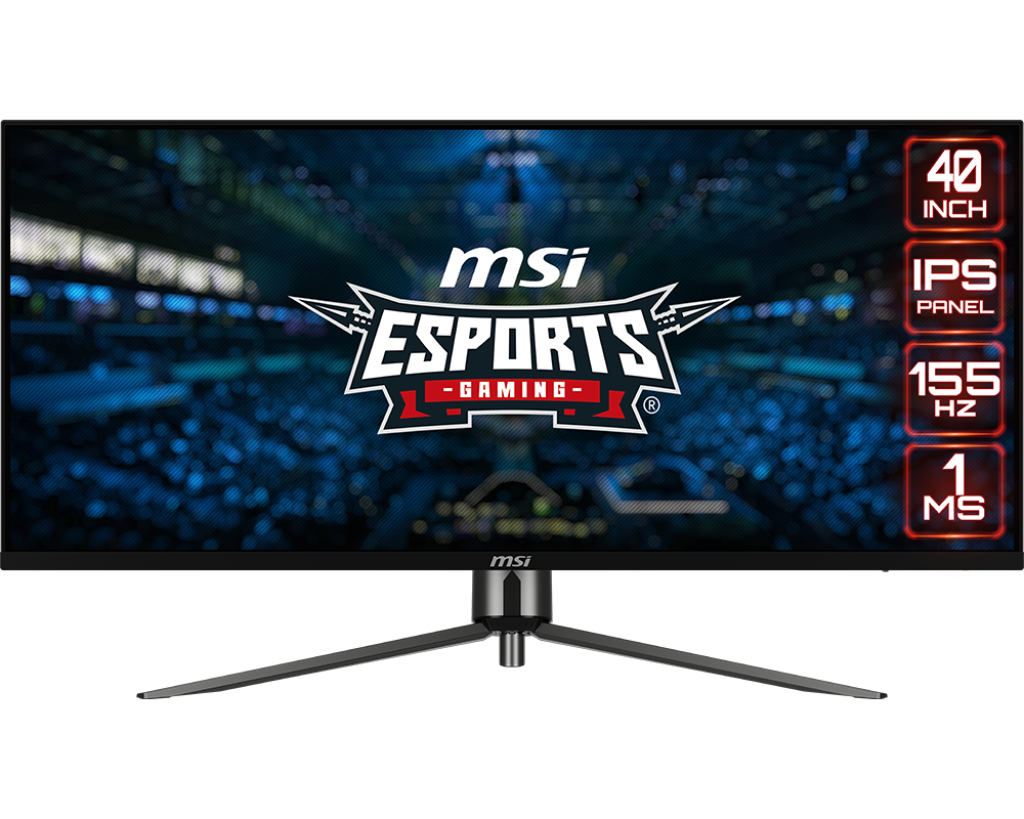
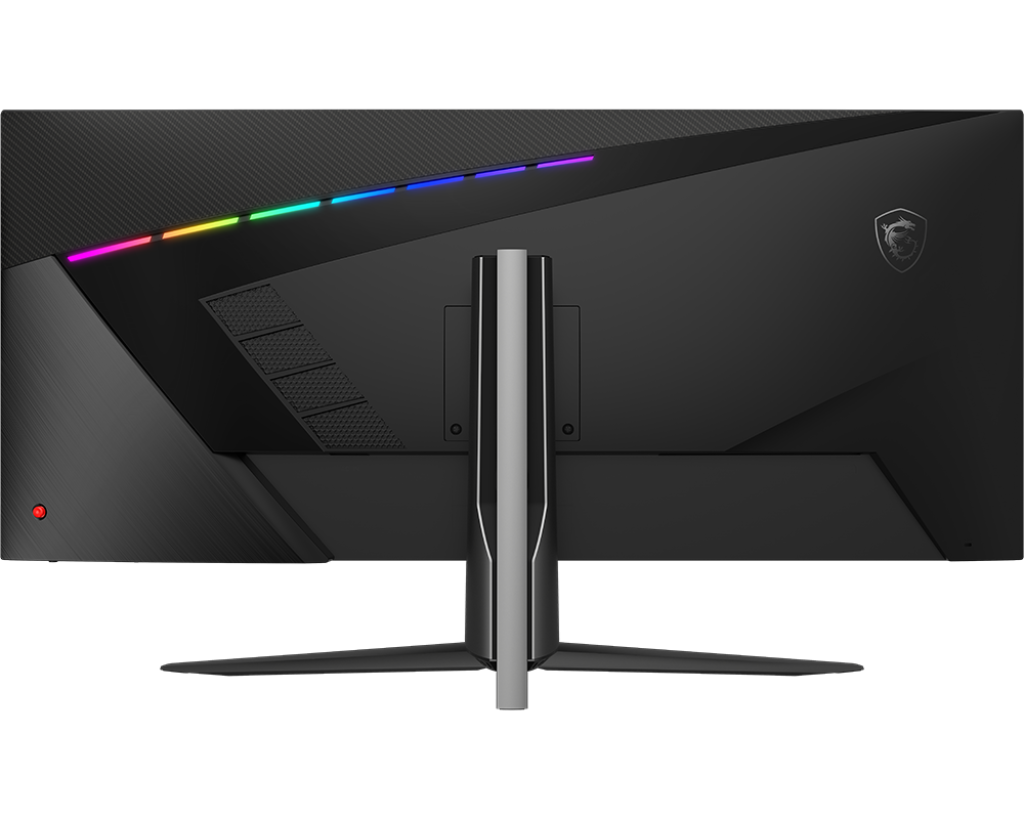
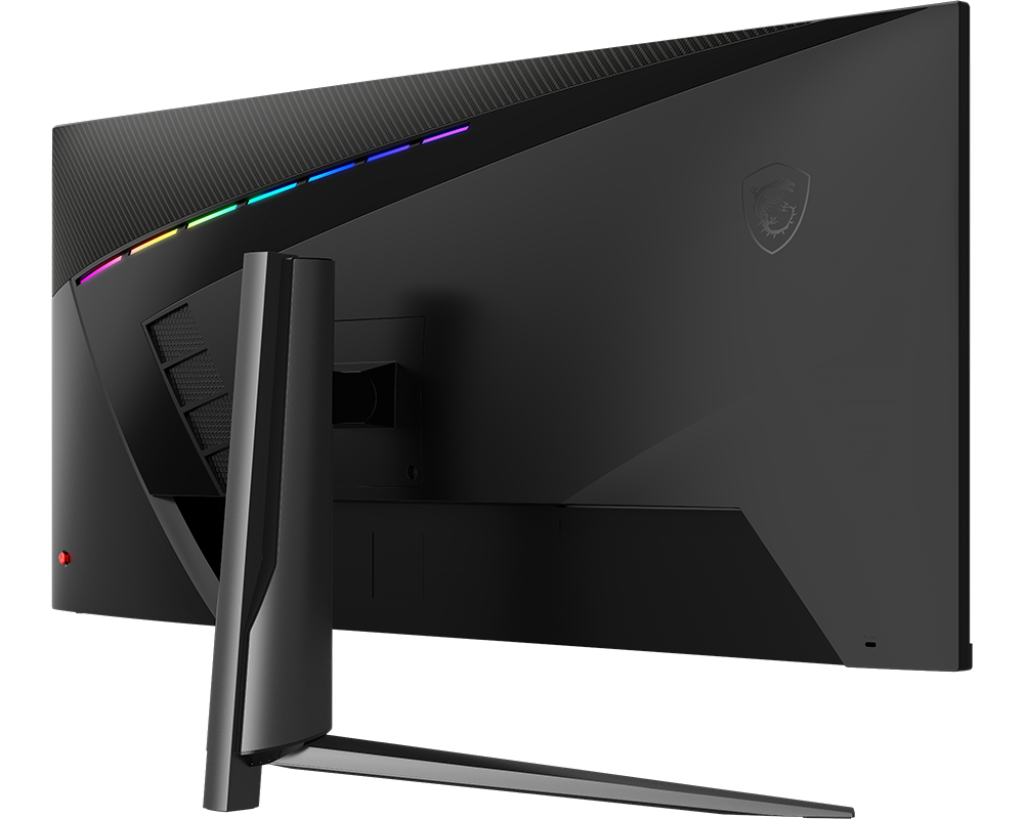
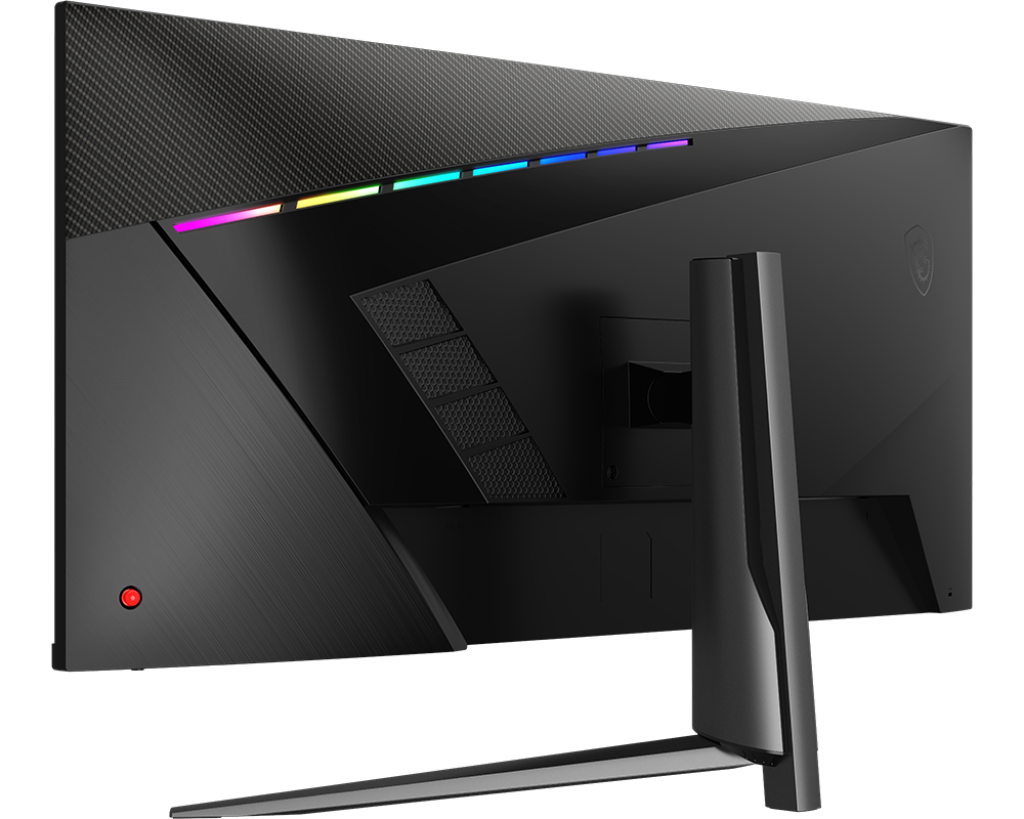
Visualize your victory with MSI MAG 401QR ultra wide gaming monitor.

SKU: MAG401QR

IPS Panel – Optimize screen colors and brightness to enhance your viewing experience.
UWQHD 3440×1440 High Resolution – Games will look even better, displaying more details.
155Hz Refresh Rate – Respond faster with smoother frames.
1ms Response Time – Eliminate screen tearing and choppy frame rates.
Wide Color Gamut – Game colors and details will look more realistic and refined.
Golden 21:9 aspect ratio – Perfectly supports multi-tasking with PBP/PIP/KVM function.
Night Vision – Smart black tuner to brighten your day by bringing out the fine details in dark areas.
Frameless design – Enjoy the ultimate gaming experience with super narrow bezels.
Anti-Flicker and Less Blue Light – Game even longer and prevent eye strain and fatigue.
178° Wide Viewing Angle – Colors and details will stay sharp at more angles with a 178° wide viewing angle.

Brand:

Description

Width Matters
The MSI MAG 401QR ultrawide Gaming monitor is built to step your game up by giving you extra POV to enhance your peripheral vision. With a 3440×1440 resolution and a 21:9 aspect ratio, enjoy the latest AAA title games the way it was meant with gorgeous details that span across your entire peripheral view.

THIS IS COLOR
MAG401QR is equipped with an IPS panel that produces no image distortion and minimum color shifts when viewed from different angles. Additionally, the IPS panel will offer clear images and instantly optimize screen color and brightness to ensure that you enjoy every scene at its best.

155HZ REFRESH RATE +
1MS RESPONSE TIME
Equipped with a 155hz refresh rate and 1ms response time IPS panel which has the benefit in fast moving game genres such as first person shooters, fighters, racing sims, real-time strategy, and sports. These type of games require fast and precise movements, which an refresh rate and fast response time monitor will put you ahead of your competition.

Gaming Intelligence APP
Advantages
With the Gaming Intelligence APP is very easy to set up your gaming monitor. You don’t need to use the buttons on the monitor and go through all the menus, just use your Keyboard and Mouse to configure your monitor. The app even gives you hotkey options so you can switch settings between different games with ease.

Additional information

Weight 10,3 g
Dimensions 289,63 × 945,22 × 530,29 mm
Note

DisplayPort: 3440X1440 (Up to 155Hz)
Type-C: 3440 x 1440 (Up to 155Hz)
HDMI™: 3440 x 1440 (Up to 100Hz)

Adobe RGB, DCI-P3 and sRGB follow CIE1976 Standard

Dimension (W x D x H)

945.22 x 289.63 x 530.29 mm / 945.22 x 83.32 x 416.12 mm (without stand)

Weight (NW / GW)

10.3 kg / 12.4 kg
8 kg (Without stand)

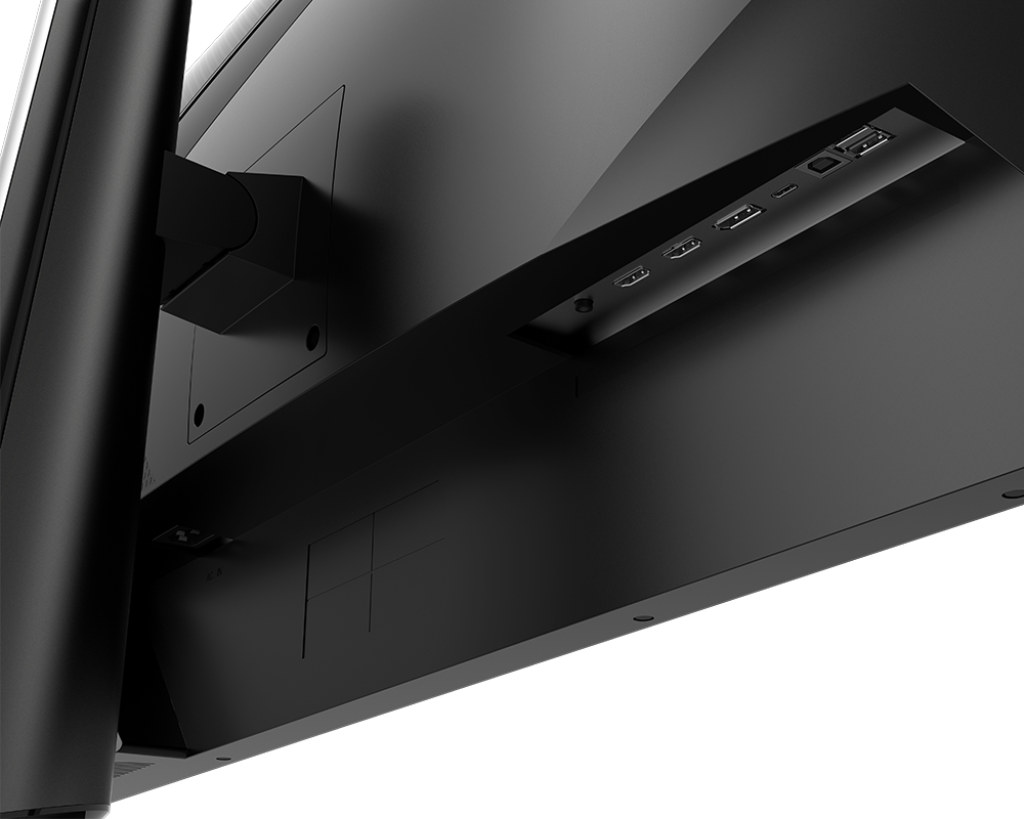
USB ports

2 x USB 2.0 Type-A
1 x USB 2.0 Type-B Upstream
1 x USB 2.0 Type-C (PD 65W)

Video ports

2 x HDMI™ (Supports 3440×1440@100Hz as specified in HDMI™ 2.0b)
1 x DisplayPort (Supports 3440×1440@155Hz as specified in DisplayPort 1.4a)
1 x Type-C (DP alt. with PD 65W)

Audio ports

1x Headphone out